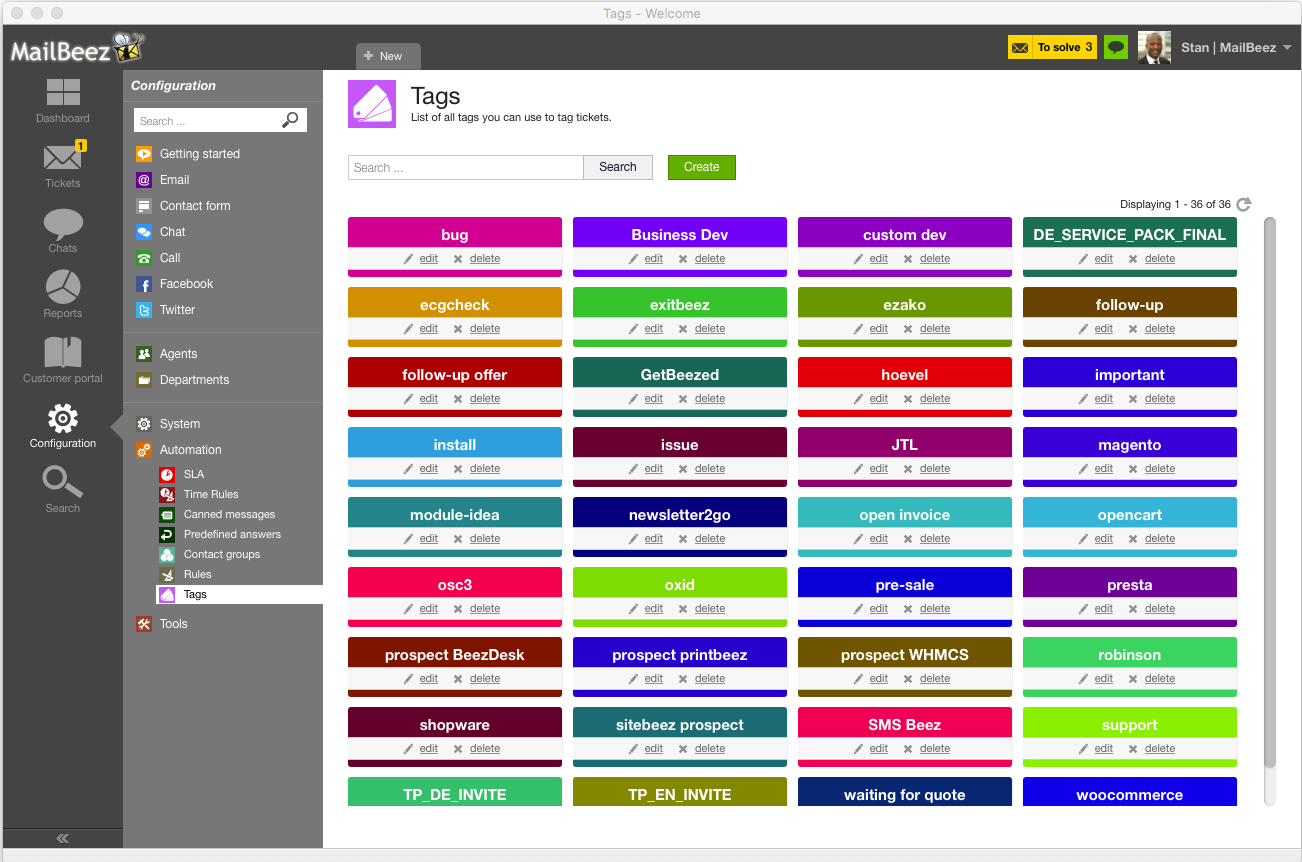
Tags
Identify, filter and sort tickets with customizable tags
Attach color-coded labels or phrases via tags to a Ticket to help segment, identify, or sort tickets in a way that gives meaning for your workflows. Tags help describe various content. For instance, you can tag a ticket with a relevant keyword that help you identify and group related issues. With BeezDesk you can add multiple tags to a single ticket, filter tickets by tags, and run reports based on tags. Use pre-created tags or create your own.